A calendar for every service
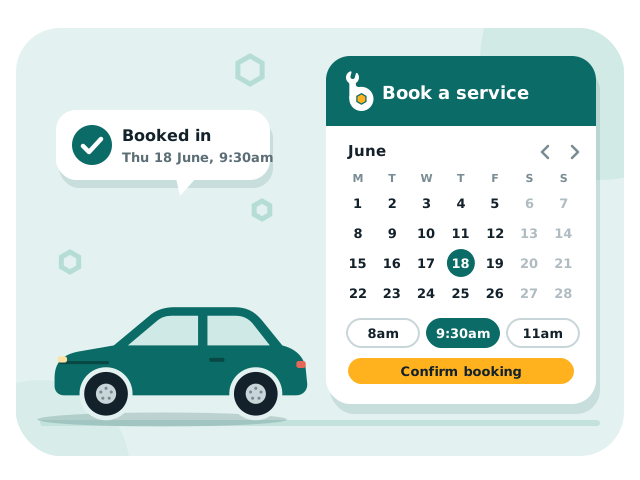
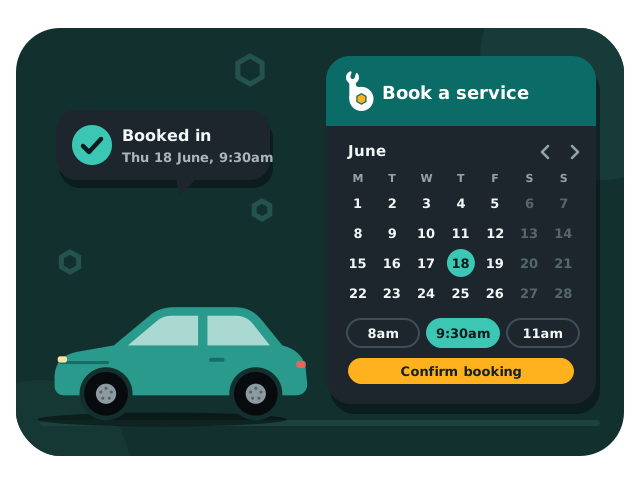
Set the hours, duration and how many cars you can take at once, per service. Nothing blocks anything else.
For tyre shops, mechanics and inspection stations
Every service books on its own calendar. A tyre fit at 9am never blocks a wheel alignment at 9am — because your bays don't work that way, and neither should your booking page.
Why workshops use Bookanic
Made by people who've worked the front counter, for the way workshops actually run.
Set the hours, duration and how many cars you can take at once, per service. Nothing blocks anything else.
One line of code puts the booking page on your own website, on your own domain — not a link off to somewhere else.
Connect your own SMS account and customers are texted when they book, reminded before they come in, and told if you move or cancel.
The Bookanic desk app shows the day's jobs, prints the job cards, and moves and cancels bookings.
How it works
Tyres, servicing, inspections: each gets its own hours, how long it takes and how many cars at once.
Paste one line into your website, or share your booking link anywhere customers find you.
New bookings show up straight away with the job card ready to print, and a text goes to the customer once your SMS is set up.
Book a demo
Leave your details and Matt will call you to show you around – it takes about 15 minutes.
Thanks – Matt will call you within one business day.
FAQ
No. Your booking page has its own link – share it on Google, Facebook, in texts and emails, anywhere customers find you. If you do have a website, one line puts it there.
Yes. The booking page is made for phones first, and works on computers and tablets too.
You connect your own ClickSend account and pay them directly, about 5-8 cents a text. Bookanic adds nothing on top.
No. Everything works in the web browser. The desk app is for the counter PC: it shows the day's jobs and prints job cards.
Yes. There is no lock-in, and you can download all your data from Settings whenever you like.
Securely in Singapore, and backed up every night. See the Privacy Policy for the details.
Something else? Email us.

We set up your services, hours and booking page for you. Send us an email and we'll get you started.